What to open first on each platform
A first episode has one job: show you how a platform tells its stories, in a minute or two, without asking you for anything. These four do that cleanly. They are our editorial picks, not a ranking by audience.
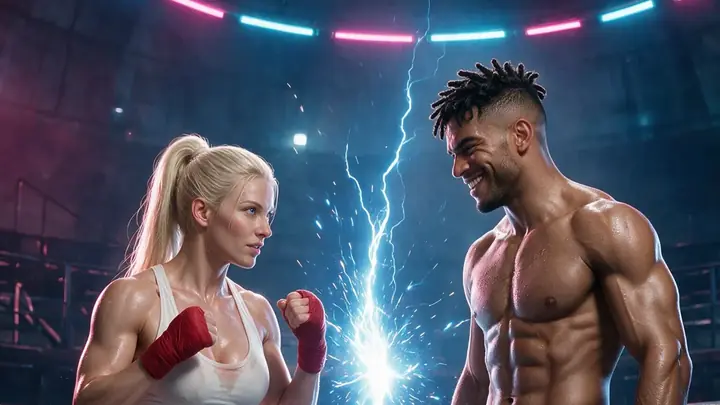
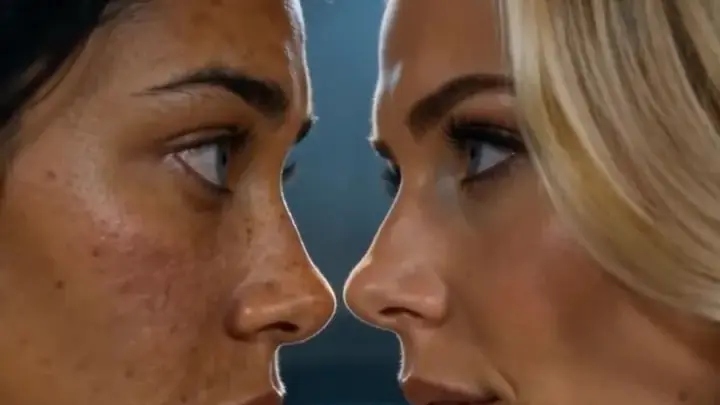
- Candy AI Shorts: Kiss My Enemy, six episodes about Brooke Madison, a wrestler rebuilding after a match that almost ended her career, and the rival across the ring who will not leave her head. Episode 1 lasts 1:22.
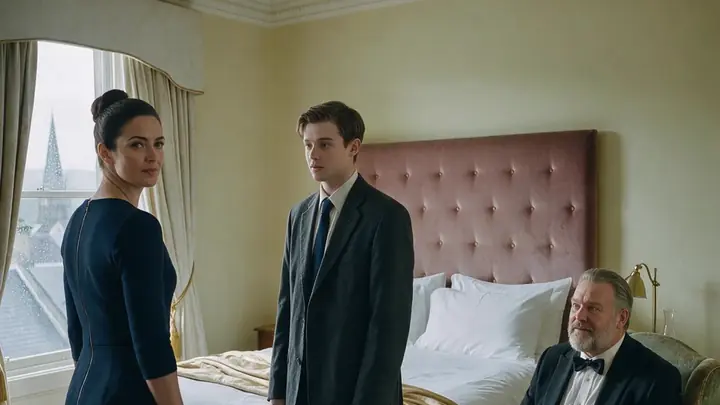
- Dreamy Shorts: Diverted, six episodes. Fog grounds every flight out of a small Scottish airport, and a married woman in her late forties ends up sharing the last room with a man twenty years her junior. Episode 1 lasts one minute.
- Secrets Shorts: Made to Measure, five episodes told from your side of the counter in a designer's boutique. Episode 1 runs 1:42.
- GoLove Shorts: Mile High With My Stewardess, five episodes on a long flight with a first-class suite, a flight attendant and her supervisor. Episode 1 runs 1:26, and episode 2 is open too, still with no account.
The reasoning behind each choice, with what to try next on the same platform, is on what to watch first.
Phone, computer or a home screen icon
On a phone, Safari or Chrome is all it takes. The four platforms play in the phone browser, and since every episode is shot vertical, a phone held upright is the screen these series were made for. On November 23, 2026 we searched Apple's App Store by name and found no official app from Candy AI, OurDream, Secret Labs or GoLove AI. Nothing to install, then, and no reason to try an unofficial app that borrows their names.
At a desk, the same pages open in any computer browser. Portrait video on a wide monitor means a tall frame in the middle of the window with empty space on the sides; the players have a full screen control if that bothers you.
For a one-tap shortcut, three of the platforms publish a web app manifest: Candy AI Shorts, Secrets Shorts and GoLove Shorts. In Safari, choose Add to Home Screen from the share menu; in Chrome, look for Install app or Add to home screen in the menu. The icon then opens the platform in your browser. Handy, but it remains a browser feature, not an official app. Dreamy Shorts shows no manifest, so a plain bookmark does the same job there. Our page on how to watch AI shorts on your phone goes through it screen by screen.
What plays with no account, and when the sign-in shows up
Episode 1 plays with no account on all four platforms. No e-mail, no card, no form: open the series page and tap.
The sign-in shows up at episode 2, and each platform handles it a bit differently.
- Candy AI Shorts: a free account opens episode 2. No card is asked.
- Dreamy Shorts: sign up with Google or e-mail, and episode 2 plays free.
- Secrets Shorts: episode 2 is free once you are signed in with a free account.
- GoLove Shorts: there is nothing to sign. Episodes 1 and 2 of every series play with no account, no e-mail and no card, the most you get for the least effort on any of the four.
So two episodes of every series cost nothing anywhere, and on GoLove Shorts they don't even cost a log-in. Our free episodes page lists what each series gives away, platform by platform, so you can plan an evening around the free part alone.

 EP 1 FREEEp 1 1:22